Speaker Selection — Studio
Speaker selection lets you pick which person gets lipsynced in a video with multiple people. You can manually click a face or use Active Speaker Detection to let Sync identify the speaker automatically. For programmatic usage via the API, see the API guide.
Speaker selection is available with our lipsync-2 and lipsync-2-pro models in both Lite and Advanced modes. Note that react-1 does not currently support this feature.
Selecting a Speaker
Upload your video
Upload a video that contains multiple people. Sync detects the number of speakers in the background.
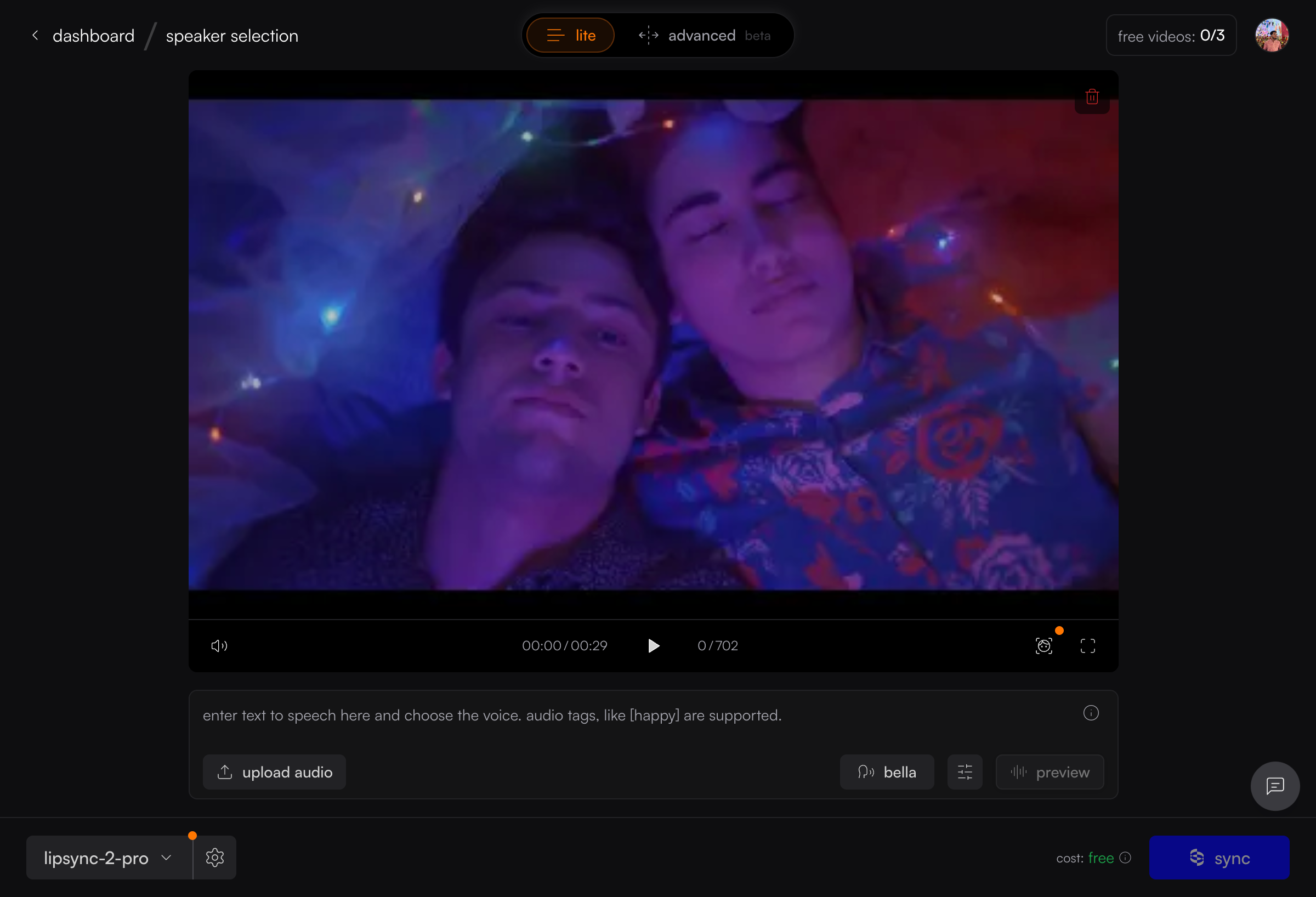
Enable face detection
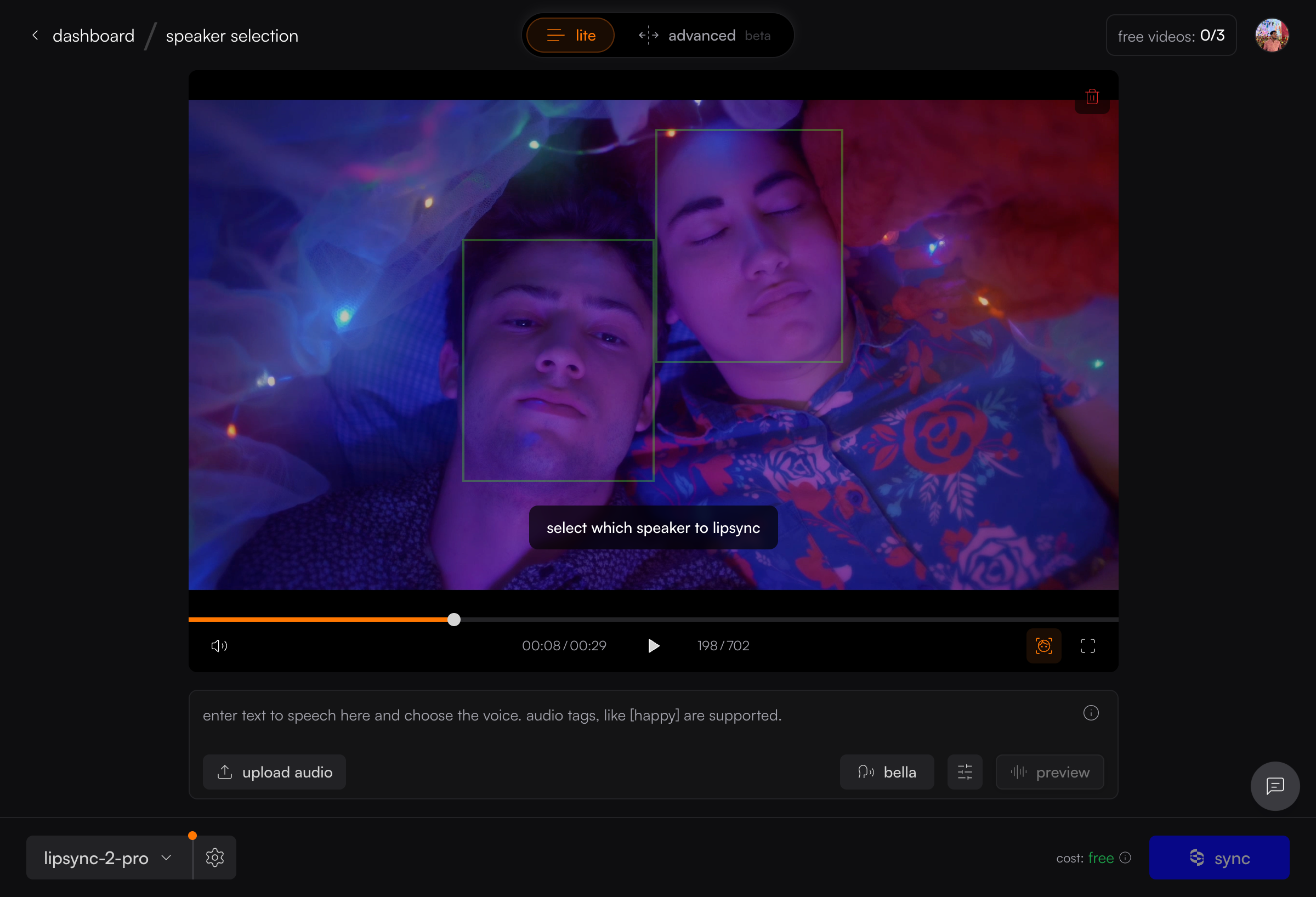
Click the icon in the video player controls. Green bounding boxes appear around detected faces with a hint: “select which speaker to lipsync.”
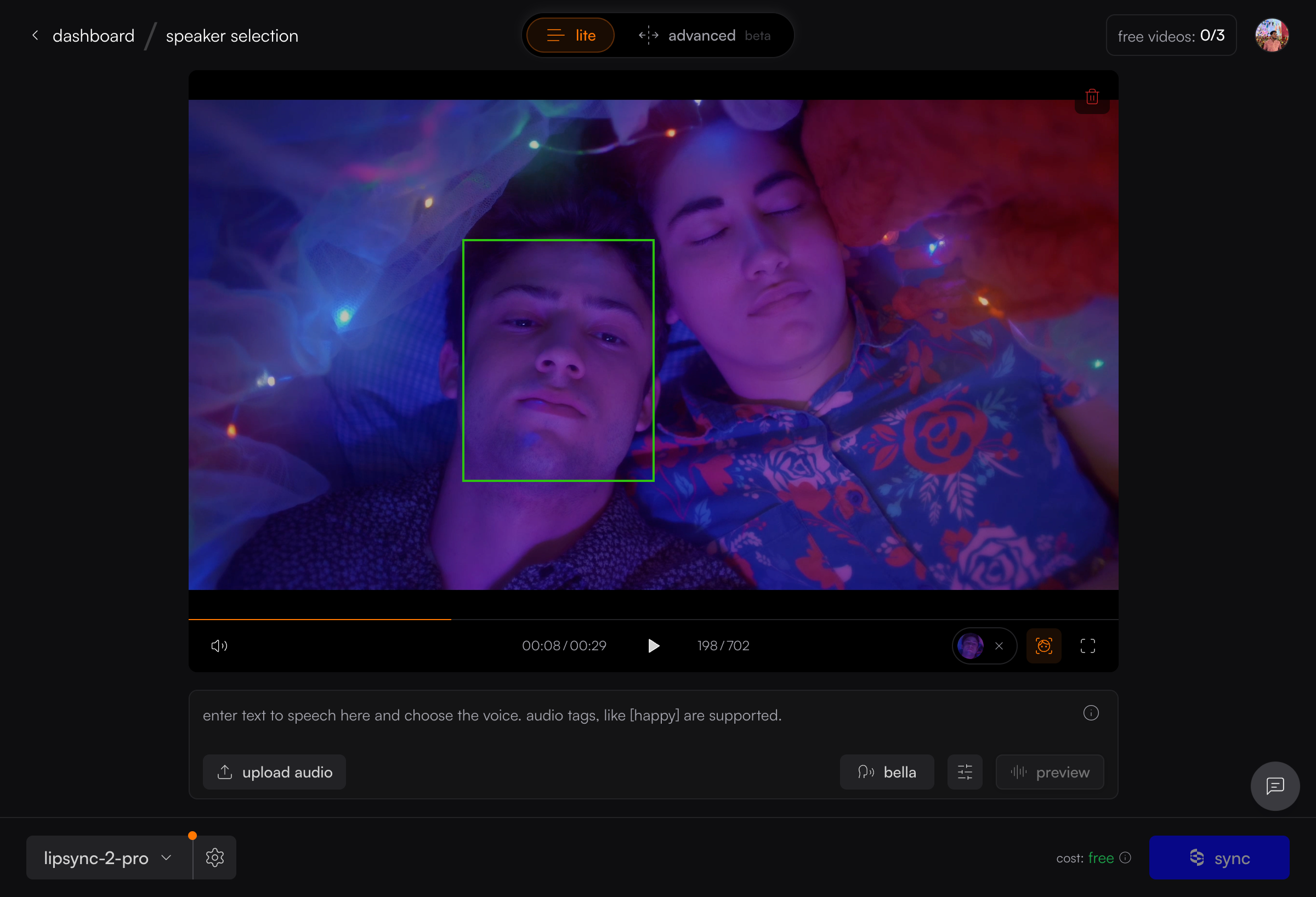
Changing or Clearing Your Selection
- Click the X on the face thumbnail to clear your selection.
- Scrubbing through the video re-runs detection.
- Click another face to switch speakers.
Active Speaker Detection
As an alternative to manual selection, toggle Active Speaker Detection in the Studio settings panel. Sync identifies the speaker via lip movement analysis — no manual click needed.
Manual selection and Active Speaker Detection are mutually exclusive — you can only use one at a time. Active Speaker Detection may not work reliably on silent or low-motion clips.